If you’re running Meta ads and want better data and more conversions, learning how to set up and use Events Manager is a must. Here’s a step-by-step guide to help you get started.
Step 1: Go to Events Manager
- Head over to: https://business.facebook.com/events_manager

- Log in with your Facebook Business account.
- Choose the right Business Manager account (if you manage more than one).
Step 2: Choose Your Data Source
There are 3 main data sources you can connect to:
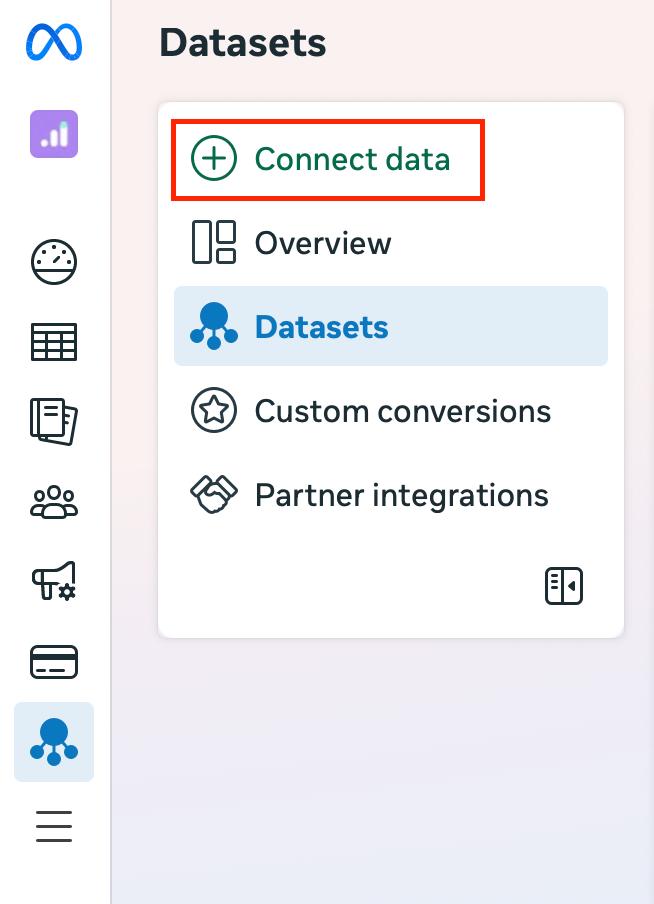
- Meta Pixel (for websites)
- Conversions API (for server-side tracking)
- App SDK (for apps)
Most brands start with the Meta Pixel for their website.
Click on “Connect Data Sources” → Select “Web” → Choose “Meta Pixel” → Click “Connect”.
Step 3: Add the Pixel to Your Website
Once you’ve created the Pixel, you’ll get a small code snippet. You can:
- Manually add it to your website’s <head> section, or Use integrations with platforms like Shopify, WordPress, or Google Tag Manager.
- This Pixel starts tracking events such as page views, clicks, and purchases.
Step 4: Set Up Standard Events
Next, you tell the Pixel what to track. Facebook has standard events like:
- PageView
- AddToCart
- Purchase
- Lead
- CompleteRegistration
You can set these up manually in your site’s code or using the Event Setup Tool (a no-code option).
Go to your Pixel → Click on “Open Event Setup Tool” → Enter your website URL → Follow the prompts.
Step 5: Test Events to Make Sure It’s Working – standard, custom
After setup, use the “Test Events” tab in Events Manager:
- Visit your website in a new tab.
- Perform certain actions (such as clicking buttons).
- Check if the Events Manager captures those actions.
If they appear in real-time, your tracking is working correctly.
Step 6: Use Events in Your Facebook Ads
Once everything’s tracking:
- Go to Ads Manager.

- While setting up your ad campaign, choose a conversion goal.
- Select your Pixel and the event you want to track (like Purchases or Leads) at ad set level.

Now your ad performance will be tied directly to real actions on your site.