Running paid ads without conversion tracking is like driving with your eyes closed. You’re spending money, but you don’t know what’s working.
Conversion tracking is a must. It powers your reports, helps with smart bidding, and makes sure your budget is used effectively. Without it, platforms like Google Ads can’t optimize properly, which leads to overbidding, underbidding, and wasted ad spend.
In a privacy-first world, setting up tracking might seem tricky but don’t worry, we’ll break it down step by step.
Jump ahead to:
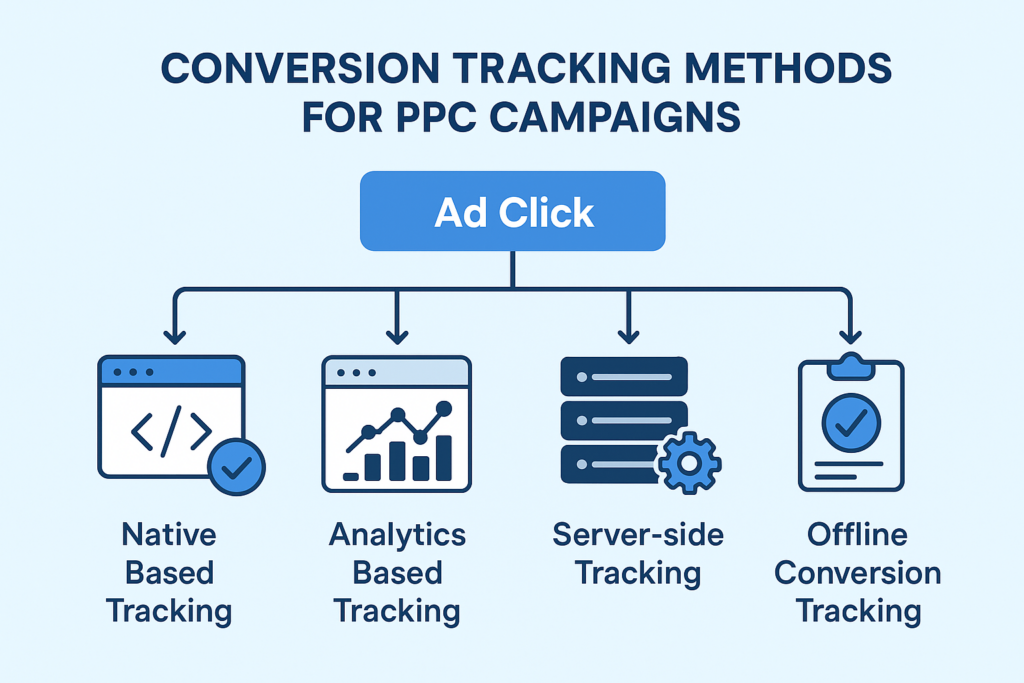
Main Conversion tracking methods used in PPC Campaigns:
- Native Based Tracking
- Analytics Based Tracking
- Server-side Tracking
- Offline Conversion Tracking
Native Based Tracking
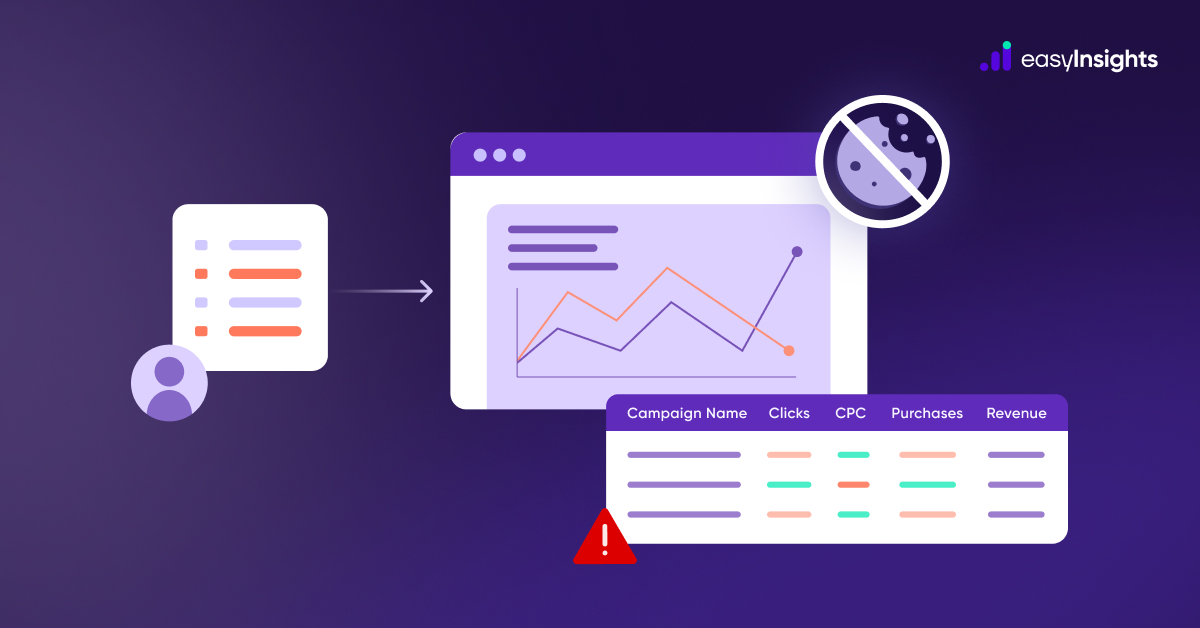
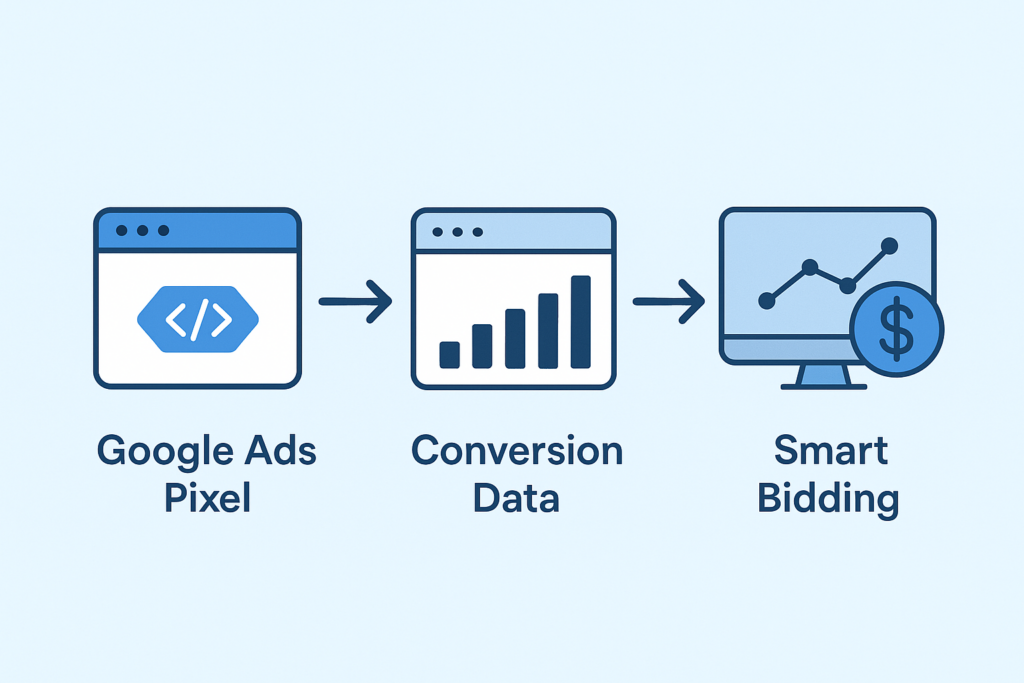
Native-based conversion tracking uses built-in tools from ad platforms like Google Ads or Meta to track user actions after they click on an ad. It works by placing a tracking pixel or tag on your website, which records conversions like purchases or form submissions. This data helps platforms optimize performance through smart bidding and accurate reporting. It’s easy to set up and integrates well with platform features, but may be affected by privacy rules and cookie restrictions.
- How it works: Uses platform pixels (Google Ads, Meta) to track conversions.
- Use Case: Easy setup for beginners running single-platform campaigns.
- Pros: Quick, integrates with bidding, no extra tools needed.
- Cons: Limited visibility across channels, biased attribution, impacted by iOS/cookies.
Analytics Based Tracking
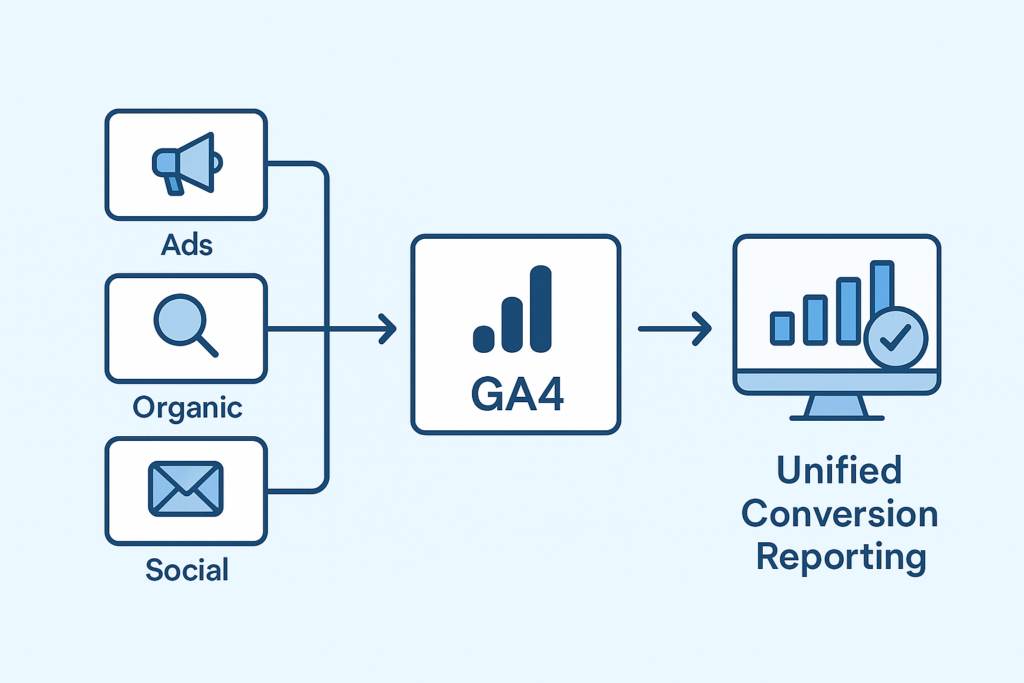
Analytics-based conversion tracking uses tools like Google Analytics 4 (GA4) to track user behavior and conversions across your website, regardless of the traffic source. Instead of relying solely on ad platform pixels, GA4 captures events like purchases, sign-ups, or page views and attributes them based on user journeys. This method provides a unified view of performance across all channels – paid, organic, direct, and more. It’s ideal for deeper insights, cross-platform tracking, and consistent reporting across teams.
How it works: Tracks all website events (purchases, sign-ups, etc.) across sources, not just ads.
Use Case: Businesses needing unified cross-channel reporting.
Pros: Full-funnel view, unbiased, customizable attribution.
Cons: Requires technical setup, delayed reporting.
Also read – Implement GA4 on your website
Server side Tracking
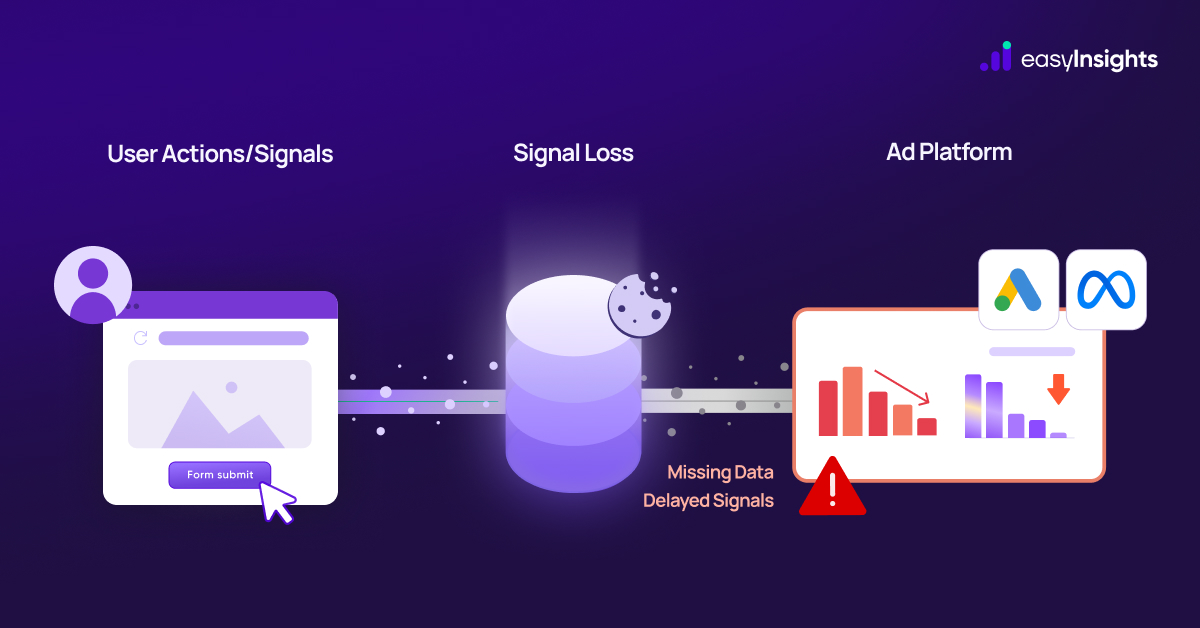
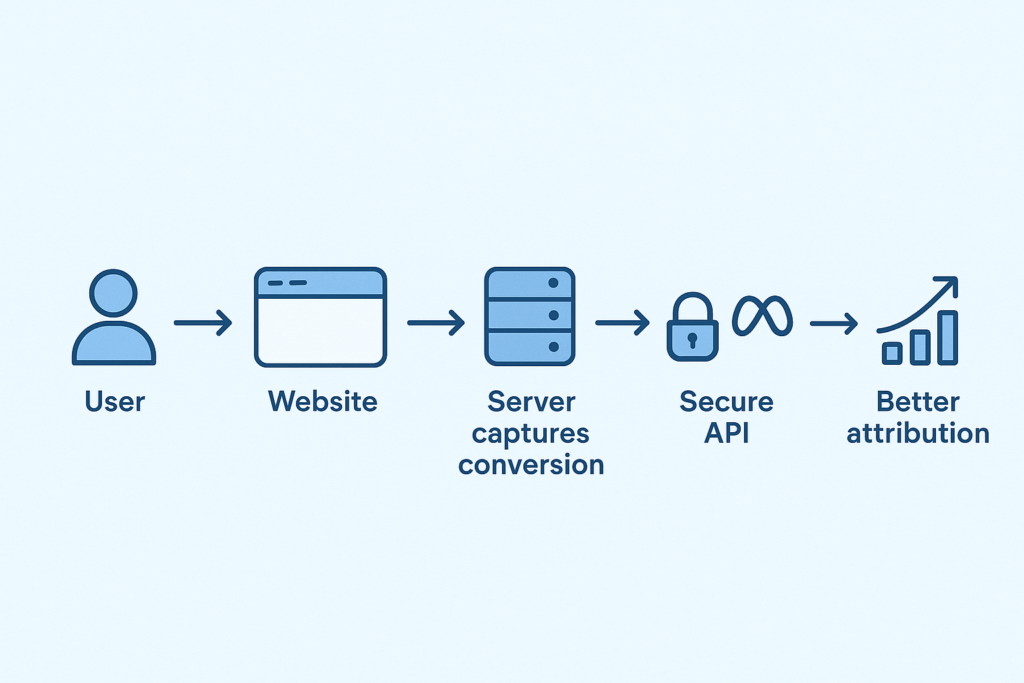
Server-side tracking is a method where conversion data is sent directly from your website’s server to the ad platform, instead of relying on the user’s browser. This approach bypasses issues like ad blockers, cookie restrictions, and browser privacy settings (e.g., iOS limitations), making it more reliable and privacy-compliant.
How it works:
- Captures user actions (like purchases or form submissions) on your server.
- Sends the data securely to the ad platform, often using a unique click ID.
- Platforms like Google Ads (via Enhanced Conversions) or Meta (via Conversions API) process the data.
Offline conversion Tracking
Offline conversion tracking refers to tracking conversions that happen outside of your website or app, such as sales made over the phone, in-store purchases, or actions recorded in a CRM system. Since these conversions aren’t tracked through website interactions, the data needs to be manually uploaded or sent from your internal systems to the ad platforms.
Native based Tracking vs Analytics Based Tracking
| Native Based | Analytics based |
| Generally easier to set up directly in the platform. | Requires GA4 or other Analytic tools for event setup and proper configuration for import. |
| Data stays within the ad platform. | Broader visibility across all traffic sources (paid + organic). |
| Attribution is based only on ad interactions using platform-specific models. | Attribution includes all channels- paid, organic, referral by using customizable models. |
| Limited to the specific ad platform. | Unified view of user behavior across website/app. |
| Can give more conversion credit to ads due to platform bias. | More neutral and consistent across all channels. |
| May be impacted by browser restrictions and privacy laws | Supports more compliant setups with first-party data |
Maximize Accuracy with Server-Side Tracking and First-Party Pixels
Server-side tracking is often considered the best tracking method, especially in today’s privacy-conscious and data-restricted environment because it offers accuracy, control, and future-proofing.
With the end of third-party cookies in the iOS ecosystem, now is the time to implement server-side tracking and start collecting user data beyond the 7-day window using first-party pixels.
EasyInsights Pulse uses a first-party pixel for accurate attribution and tracking. It also leverages a Lifetime ID that recognizes both new and returning customers with 100% accuracy. This helps rebuild your signals around a single ID, so you can remarket to every visitor in real time and significantly improve your marketing and ad performance.
Also Read – server-side-vs-client-side-tracking
Understanding Primary & Secondary Conversions
Once you’ve selected your tracking method, the next critical step is to define your primary and secondary conversions. Both types of conversions can be assigned a conversion value, but they serve different purposes in your Google Ads strategy.
Primary Conversions
Primary conversions are the key actions you want to optimize for, these are the signals used by Google for bidding and campaign optimization.
Examples include:
- Purchases
- Form submissions
- location visits (Google-hosted events)
- Phone calls from ads
These are typically the most valuable user actions for your business. However, not everything should be marked as a primary conversion. To ensure effective bidding, it’s essential to audit your account and prioritize which conversions drive meaningful business results.
Secondary Conversions
Secondary conversions are still important, but they are not used directly for bidding. Instead, they help you understand the broader customer journey. Examples might include:
- Newsletter sign-ups
- PDF downloads
- Video views
These conversions provide insight into user intent and engagement, but they should be used more for reporting and analysis rather than optimization.
Conclusion
Conversion tracking is not a one-size-fits-all solution, but understanding the core methods, native-based, analytics-based, server-side, and offline, gives you a solid foundation to build on. Each method has its strengths and ideal use cases, and the best results come from selecting the combination that aligns with your business model, customer journey, and data privacy needs.
Ultimately, the most effective conversion tracking setup is the one that reflects your unique goals, business, and stakeholder expectations. Whether you’re running eCommerce, lead generation, or omnichannel campaigns, tailoring your tracking approach ensures you’re not just collecting data – but using it to drive smarter, more profitable decisions.
To Know more Book a demo Today!