Jump ahead to:
Introduction
For years, retargeting on Meta meant casting a wide net. Anyone who visited your page, engaged with a post, or clicked a button in the last 30, 60, or 90 days ended up in the same audience bucket – regardless of how often they engaged or when. That one-size-fits-all approach is now changing.
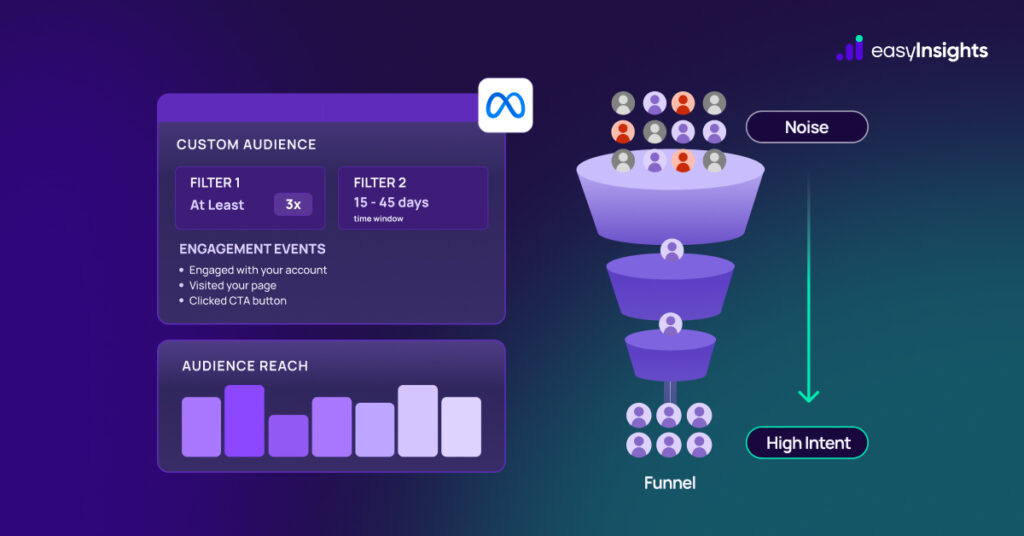
Meta has introduced two additional filters for on-platform custom audiences: At Least and In the Past. Together, they give advertisers a much more granular way to define who qualifies for a retargeting segment – by frequency and by recency window.
What Are the Two New Filters?
| Filter 1 At LeastInclude only people who engaged a minimum number of times within a set timeframe. Target by intent frequency, not just exposure. | Filter 2 In the Past X to X DaysDefine a specific time window – for example, between 15 and 45 days ago – to include or exclude based on recency. |
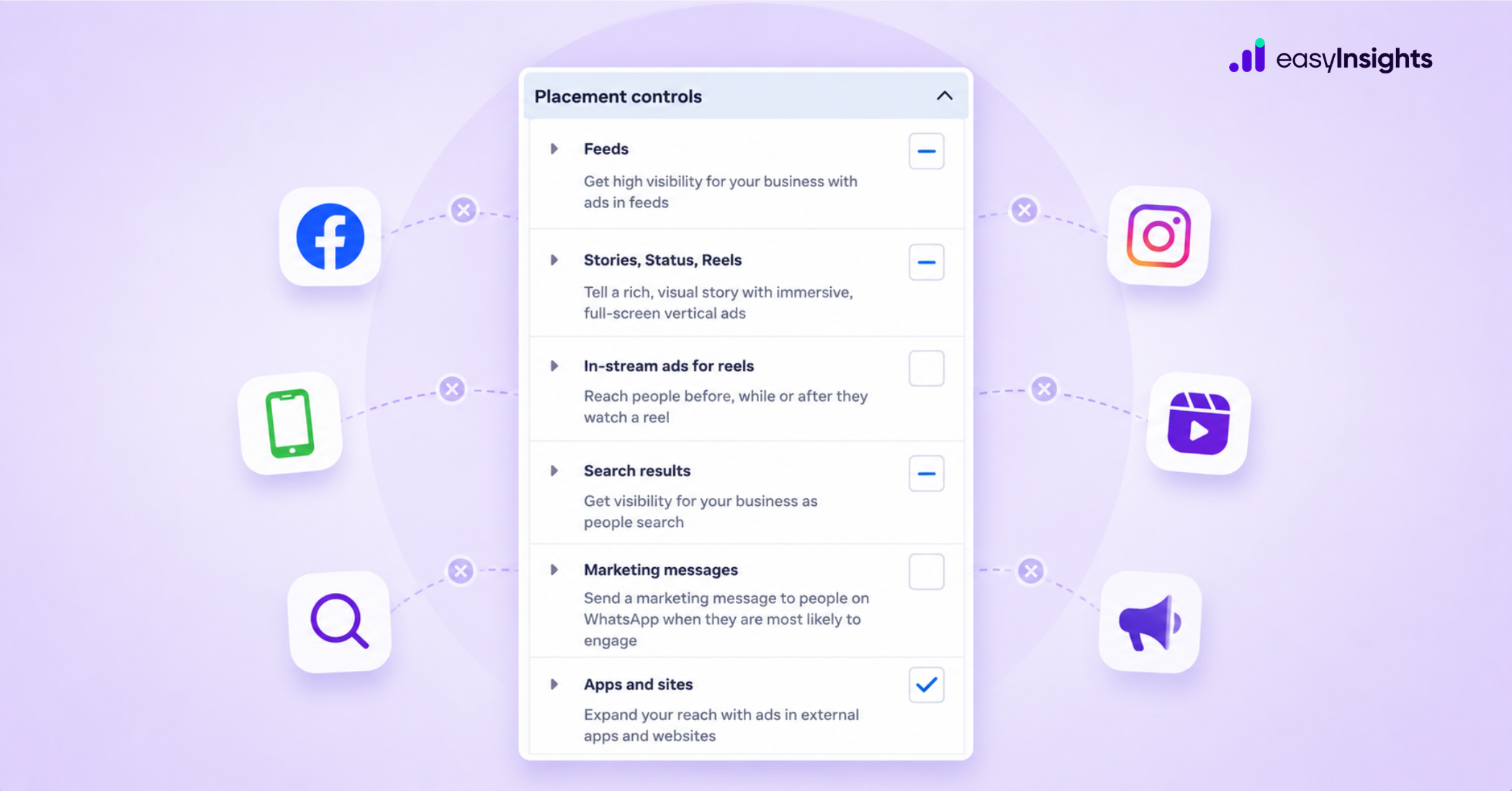
Both filters are available for Facebook and Instagram custom audiences and can be applied to the following engagement events:
→ People who engaged with your Facebook or Instagram account
→ People who visited your Facebook or Instagram account
→ People who engaged with any post or ad on Facebook or Instagram
→ People who clicked any call-to-action button on your Facebook page
→ People who saved any post or ad
Why This Matters for Your Campaigns
The core problem with traditional retargeting audiences is noise. A person who scrolled past your Instagram post once two months ago is technically in your audience – but they’re nothing like someone who has visited your profile three times this week and saved one of your ads.
These new filters let you separate signals from noise. You can now build tightly defined audiences around two of the most meaningful behavioral signals in advertising: how often someone engaged, and when they last did it.
| Think of it this way: frequency tells you how interested someone is. Recency tells you how fresh that interest is. Together, they give you the closest thing to a real intent score – without needing any third-party data. |
Additional read: Why Retargeting Feels Random and How to Make It Data-Driven Again
Practical Use Cases
| Goal | Filter type | Example setting |
| Target high-intent warm leads | At Least | Engaged at least 3 times in the last 30 days |
| Re-engage users who are cooling off | In the Past | Engaged between 20 and 45 days ago |
| Exclude very recent visitors (already converting) | In the Past | Engaged between 7 and 30 days ago |
| Build an evergreen retargeting audience | In the Past | Engaged between 14 and 60 days ago (refreshes automatically) |
| Create a lookalike from loyal followers | At Least | Engaged at least 5 times in the last 60 days |
| Exclude cold audiences from prospecting | At Least | Use as an exclusion – remove people with 0–1 engagements |
How to Leverage the “In the Past” Filter for Evergreen Audiences
One of the most underrated applications here is building evergreen audiences. Traditionally, if you retarget everyone who engaged in the last 90 days, your audience keeps growing and never cleans itself out – leading to a pool packed with people who are no longer relevant.
With the “In the Past X to X days” filter, you can define a rolling window – say, days 15 to 45 – that automatically refreshes. People who engaged too recently (still warm, possibly already converting) or too long ago (cold) fall outside the window. The result is a consistently mid-funnel audience that stays fresh without manual maintenance.
| Evergreen audiences built this way are particularly effective for always-on retargeting campaigns with fixed budgets, where you need consistent audience quality over time rather than volume spikes. |
Additional read: Syncing Suppression Audiences Across Ad Platforms: The Key to Smarter Ad Spend
How to Use the “At Least” Filter to Improve Audience Quality
The “At Least” filter is best used as a quality gate. Instead of retargeting everyone who interacted with your account once – which can include accidental taps, one-second video views, or passive scrollers – you can raise the threshold to people who have shown a pattern of interest.
A good starting point: set the filter to “at least 2 engagements in the last 30 days.” This removes the lowest-intent portion of your audience while keeping everyone who has shown genuine, repeated interest. Depending on your niche and funnel length, you can push this to 3-5 interactions for even tighter segmentation.
One Important Caveat
| Audience size matters. These filters are designed for accounts with large existing retargeting audiences. If your current pool is small (under 1,000–2,000 people), adding frequency or recency conditions will shrink it further and likely hurt ad delivery. Make sure you have the volume to support filtered segments before applying these – otherwise, stick to broader audiences first and build up. |
Getting Started: A Recommended Approach
If you already have healthy retargeting audiences, here is a practical way to roll this out:
Step 1: Audit your current audiences. Identify which ones are large enough (ideally 5,000+ users) to support additional filtering without shrinking below useful delivery thresholds.
Step 2: Create new audience variants – don’t edit your existing ones. Build parallel filtered versions so you can compare performance without disrupting live campaigns.
Step 3: Start with the “At Least” filter on your highest-spend retargeting campaigns. A simple “at least 2 interactions in 30 days” cut is a good first test.
Step 4: Experiment with the “In the Past X to X days” filter to build your first evergreen segment. Try a 15-45 day window as a baseline and refine from there.
Step 5: Monitor CPAs and conversion rates across filtered vs. unfiltered audiences over 2-4 weeks before drawing conclusions.
Final Thoughts
Meta’s new retargeting filters are a meaningful step forward for advertisers who want more control over audience quality – not just audience size. The ability to segment by both frequency and recency within the native ads platform removes a layer of complexity that previously required workarounds or third-party tools.
Used wisely, these filters can help you cut wasteful spend on cold or low-intent users, improve ROAS on retargeting campaigns, and build evergreen audiences that stay relevant over time. The key, as always, is to make sure your audiences are large enough to support the added specificity before you apply them.
| Want to connect your Meta Ads data with EasyInsights and track how your new audience segments are actually performing across your funnel? See how EasyInsights can help |