For the last few years, marketers have been asking AI questions.
“Why is my CPL increasing?”
“Which campaigns should I scale?”
“What audience is performing best?”
The problem wasn’t AI’s ability to answer. The problem was that AI never had direct access to the advertising platform.
You still had to export reports, copy metrics into prompts, explain campaign structures, and hope the model understood the context.
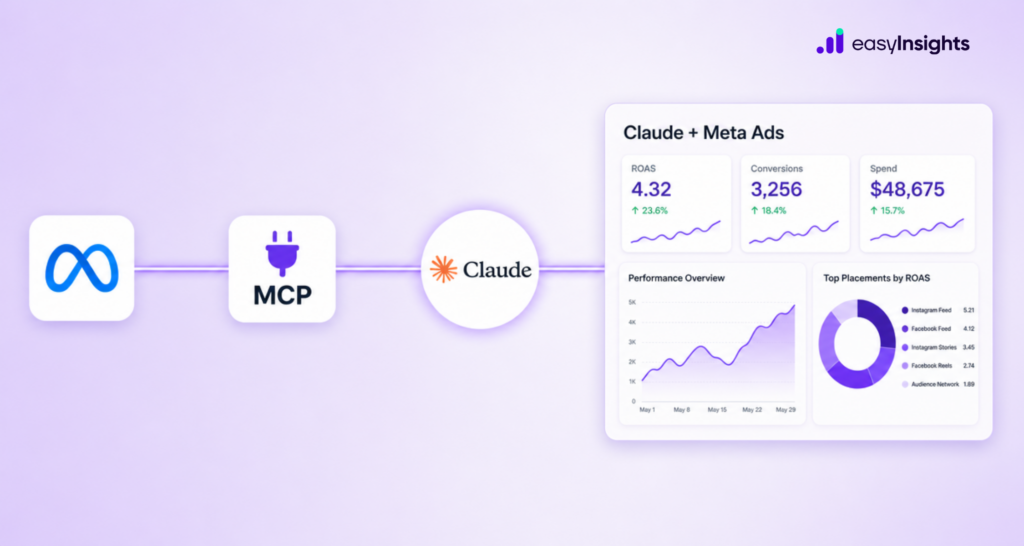
That changes with Meta’s newly launched Model Context Protocol (MCP) Server for Claude.
For the first time, marketers can allow Claude to securely interact with their Meta Ads account, retrieve campaign information, and answer questions using live advertising data instead of manually provided screenshots or spreadsheets.
Jump ahead to:
What Meta MCP actually is
MCP stands for Model Context Protocol – an open standard that lets an AI assistant like Claude connect directly to an external tool or platform and call its functions in real time. Meta’s version, launched as part of its AI Connectors rollout, exposes 29 tools from the Marketing API straight to Claude: performance reporting, campaign management, catalog management, and signal diagnostics.
In practice, that means you’re not copying data out of Meta into a spreadsheet and then into Claude. Claude sits on top of your live ad account. You ask a question or give an instruction in plain English, and it queries or acts on Meta’s API directly – pulling numbers, spotting trends, building reports, even creating campaigns (paused by default, more on that below). It’s the difference between describing your dashboard to an assistant and just handing them the keys.
How to set up the Meta Ads MCP in Claude
- Open Claude and click “Customize” in the left menu.
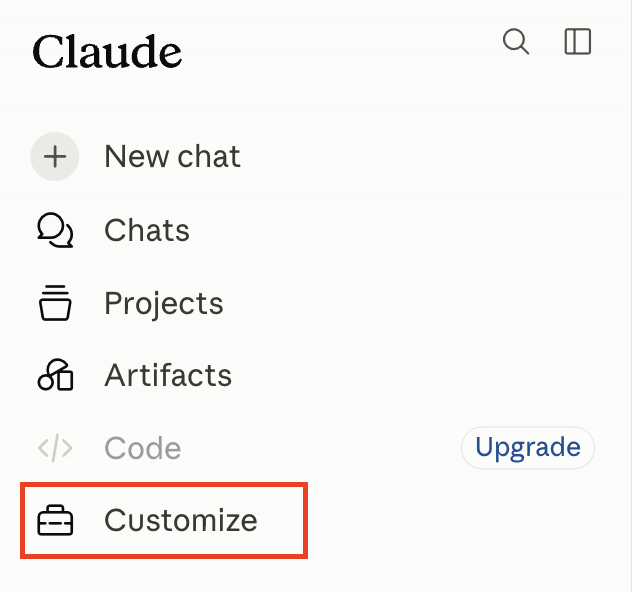
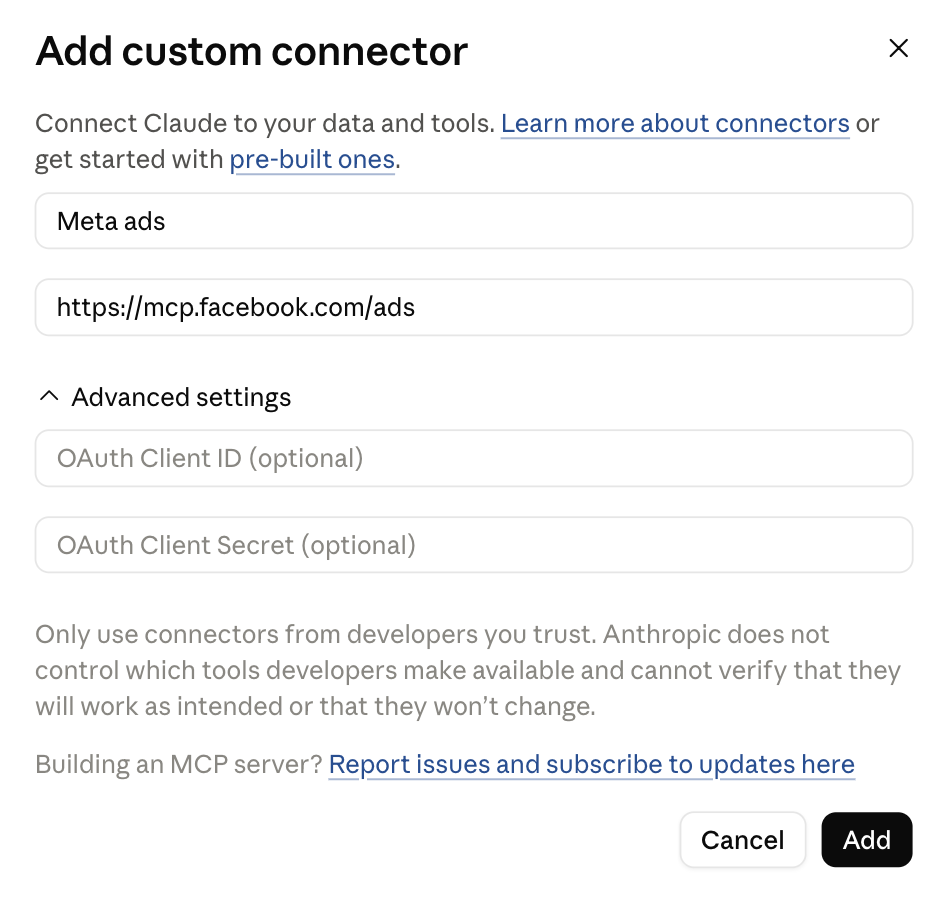
2. Click “Add custom connector”. Name it “Meta Ads.”
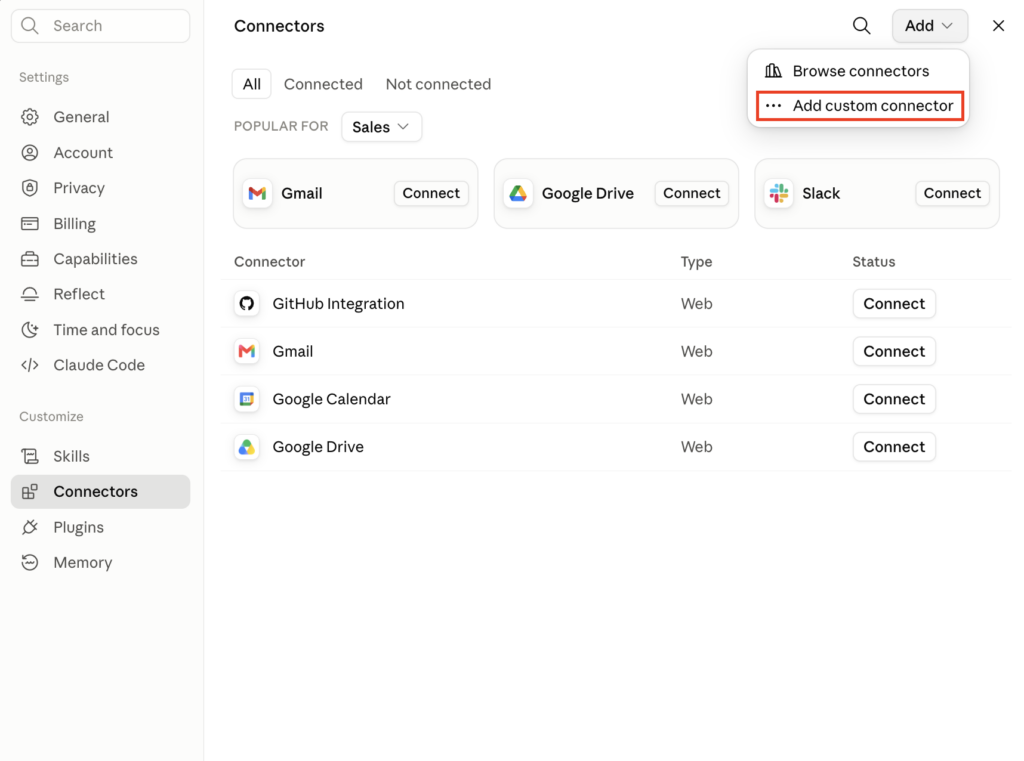
3. Paste the connector URL: https://mcp.facebook.com/ads. Click “Add.”
4. Click the new connector, sign in through Facebook Login, and select the business portfolio you want connected.
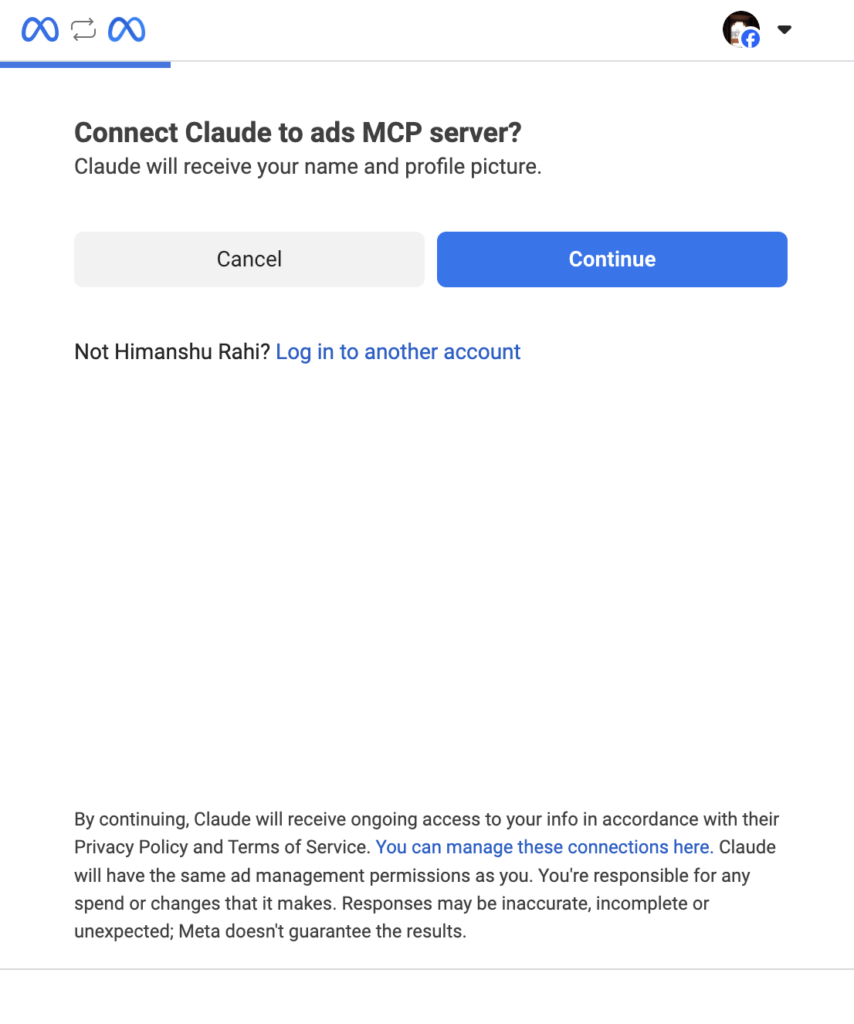
5. Start a new chat, click “+” → “Connectors,” and make sure Meta Ads is toggled on.
That’s it. Test it with something like: “Show me my top 10 ad sets by ROAS over the last 30 days, minimum 50 conversions, broken out by placement.” If real numbers come back, you’re live. Works on Claude’s free plan too – Pro and Max have no connector limit, Team and Enterprise need an org Owner to add it first.
What Claude can actually do once it’s connected
Once it’s live, you’re not exporting CSVs anymore – you’re just asking.
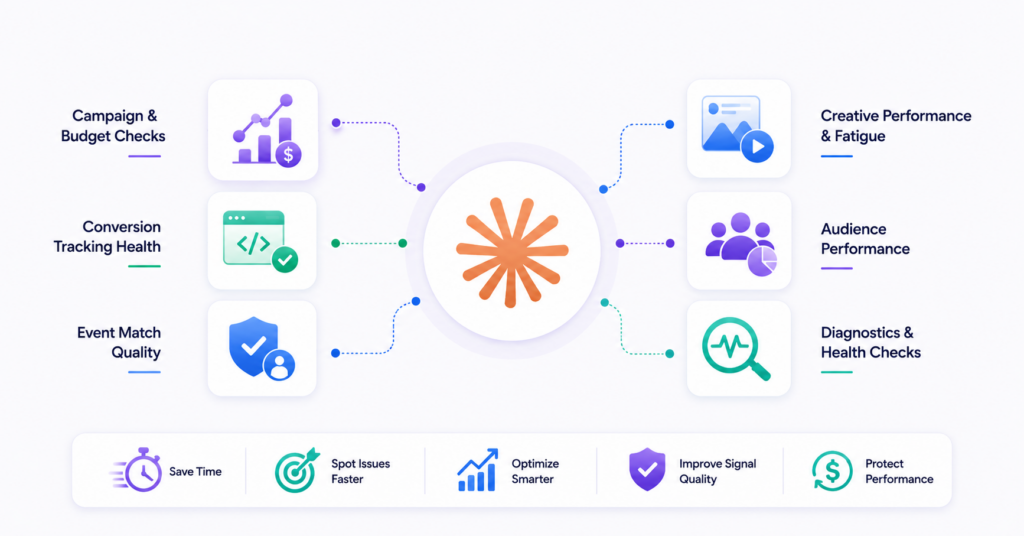
Campaign and budget checks. Ask which campaigns are pacing over or under budget, which ad sets should get more spend based on last week’s ROAS, or which ones are bleeding money at the frequency they’re currently running. Claude pulls it and hands you a ranked list in seconds – the call to actually move budget still sits with you.
Conversion tracking health. This is the one I’d start with. Prompt it to review your pixel and Conversions API setup and flag anything off. It’ll catch deduplication gaps between browser and server events, missing parameters, and weak signal – the stuff that quietly caps your ROAS without ever showing up as an obvious red flag in Ads Manager.
Event match quality. Ask it to break down match quality by event type and tell you where it’s weakest. Low match quality on Purchase or Lead events means Meta’s algorithm is optimizing against a smaller, noisier sample than you think it is – this is often the single biggest lever nobody checks.
Creative performance and fatigue. Ask which ad creatives are declining in CTR while frequency climbs, and which ones are still holding. Claude will rank them fast and flag the ones due for a refresh. What it can’t do – and this matters – is look at the actual image or video. It reads headlines and primary text, not the asset itself. It’ll tell you that something’s fatiguing.
Audience performance. Break out performance by age, gender, placement, or device to see which segments are actually converting versus which ones are just absorbing spend. Good for spotting where to tighten targeting or where an Advantage+ audience is quietly underperforming a manual one.
Diagnostics Pixel health and CAPI setup, signal anomalies, feed errors if you’re running catalog campaigns – Claude will run through all of it on request and hand you a plain-language summary instead of a technical audit doc nobody reads.
Everything Claude creates – new campaigns, ad sets, budget changes above safety thresholds – lands in paused state by default. Nothing goes live until you approve it in Ads Manager. That’s the right call, and worth knowing before you hand it more autonomy than you meant to.
Where I’d stay careful
The audit is only as good as what’s actually reaching Meta. Claude can tell you your match quality is weak. It can’t tell you why – that’s usually a tracking infrastructure problem sitting upstream, not something a prompt fixes. In our account, Claude flagged “moderate” match quality on one campaign and suggested parameter tweaks. The real issue was a lead source that wasn’t hitting the Conversions API with correct timing, so a chunk of conversions were never counted in the first place. No amount of prompting surfaces a gap the connector never saw.
Two other things worth keeping in mind:
- Causal explanations are guesses, not diagnoses. Ask why ROAS dropped and you’ll get a confident, well-written paragraph. It might be right. It might be missing the one thing that actually mattered – a competitor’s promo, a seasonality shift, an attribution change. Verify before you act.
- It’s an analyst, not a media buyer. It’ll tell you what changed and what’s declining. Deciding what to do about it – kill the ad set, refresh the creative, shift the budget – is still your call, and should stay that way.
Where EasyInsights fits in
This is the gap we built our tracking stack around. Claude can tell you that your CAPI setup has issues, events aren’t firing consistently, or event match quality is poor. What it can’t tell you is why – whether it’s a deduplication conflict between browser and server events, a lead source that’s sending data late, a parameter that’s silently missing, or a mapping issue between your CRM and Meta’s event schema. That diagnosis takes someone who actually owns the pipeline, not just the account it feeds into.
That’s the piece EasyInsights handles: setting up your Conversions API correctly from day one, monitoring it continuously so events keep firing the way they should, and actively maintaining event match quality instead of letting it quietly decay. Claude is a fast way to find out something’s wrong with your signal. We’re the layer that makes sure there’s nothing wrong with it in the first place.
Also read: How to Optimize Meta Ads & Google Ads Using Claude AI
The bottom line
This connector doesn’t change what makes an account perform. It changes how fast you can ask questions, and how cheap it is to ask more of them. That’s a real win – reporting and diagnostics that used to eat an afternoon now take minutes.
But speed of access isn’t the same as quality of signal. The accounts that get the most out of this aren’t the ones who set it up fastest – they’re the ones whose conversion tracking was already clean before they typed the first prompt. If you’re setting this up, run the diagnostics first. Then ask the harder question it can’t answer on its own: what isn’t showing up in that audit at all.
| Implement CAPI with higher match rate and optimize your campaign Performance Book a demo |