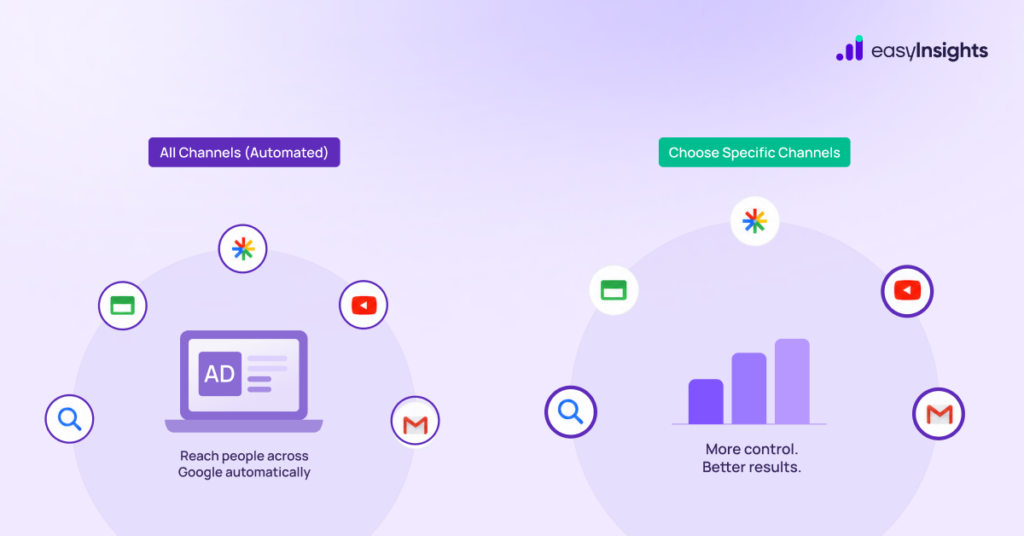
Before your campaign goes live, Google now asks one important question:
“Where do you want to run ads?”
This simple question gives advertisers something they’ve always wanted – more control over where their ads actually appear.
Instead of letting Google decide everything automatically, you can now choose your channels right from the start – whether that’s Search, YouTube, Display, or more.
For advertisers who care about budget, targeting, and performance, this update is a big deal. What’s that….
Jump ahead to:
What’s Actually Changing
Previously, you’d select a campaign type (Search, Display, Video, etc.) and the channel was baked in by default. Now, the flow leads with channel selection:
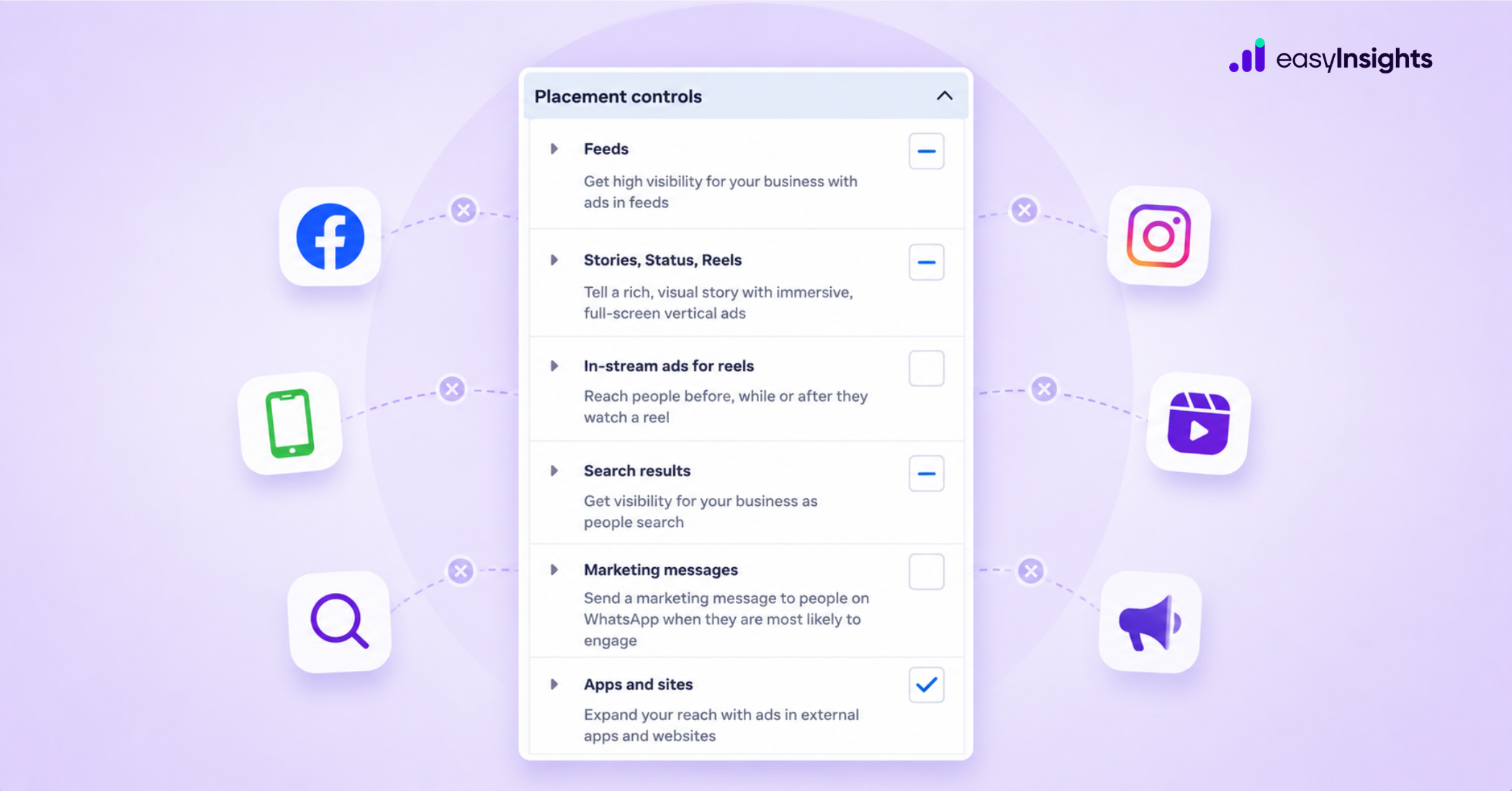
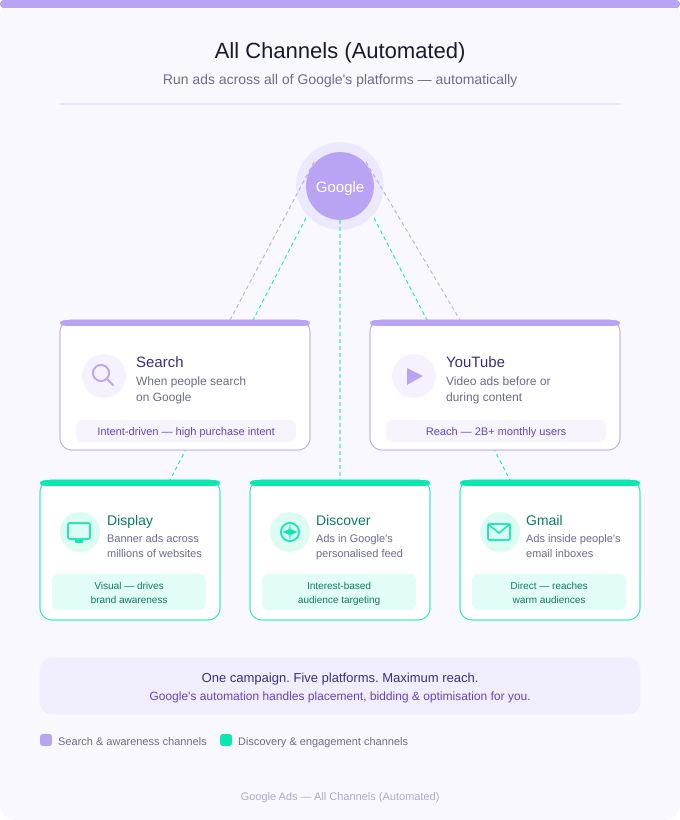
- All Channels – runs across Search, YouTube, Display, Discover, and Gmail using Google’s AI to manage placements. Choosing this effectively defaults you into Performance Max.
- Select Individual Channels – manually pick Search, Display, Video, or other specific channels before setting up your campaign.
This modification reverses the traditional workflow: instead of picking your campaign type first and then configuring targeting, you now select channels before determining campaign format.
Why Google Made This Move
Let’s be honest – Google’s fingerprints are all over this. The interface change aligns with Google’s broader Performance Max adoption strategy, as selecting “All Channels” defaults advertisers into PMax.
But it’s not all smoke and mirrors. Google Ads is designed to achieve the best possible results by using all channels and available ad inventory, and the automated approach ensures efficient budget allocation and cost control – making “All Channels” the recommendation for most advertisers.
The key word there is most. Not all.
Automation vs Control: What Should You Choose?
When using Google Ads, the choice depends on your goal and experience.
- Go with Automation (All Channels)
If you want a quick setup and a broader reach, automation is a good option. Google handles placements and optimization for you. It works best for beginners or when you don’t have much time to manage campaigns. - Go with Control (Individual Channels)
If you want better precision, choose manual control. You can decide where your ads appear, manage budgets per channel, and test performance more effectively. This is ideal for experienced marketers or performance-driven campaigns.
Impact on PPC & Performance Marketing
This update from Google Ads shows a clear shift in how digital advertising is evolving.
- Shift toward hybrid advertising (automation + control)
Earlier, advertisers had to choose between full automation and manual control. Now, this update blends both giving you automation with the option to control where your ads appear. - Better optimization opportunities
With clearer control over channels, marketers can analyze performance more accurately and optimize campaigns based on what’s actually working. - More flexibility for marketers
You can now structure campaigns based on specific goals, whether it’s brand awareness, leads, or conversions, without being locked into one approach.
Conclusion
This update gives PPC marketers something they’ve wanted for years: a forcing function to think about channel strategy upfront, not as an afterthought.
The trap is clicking “All Channels” because it’s the path of least resistance. The opportunity is using individual channel selection to build cleaner campaign structures, run tighter tests, and reduce wasted spend.
The feature is still rolling out – if you don’t see it yet in your account, it’s coming. Start thinking about your channel strategy now so you’re ready to act when it lands.
Want to track which channels are actually driving performance across your Google Ads campaigns? EasyInsights automatically pulls channel-level data into one view – so you can make decisions like this without the manual digging. Book a demo |